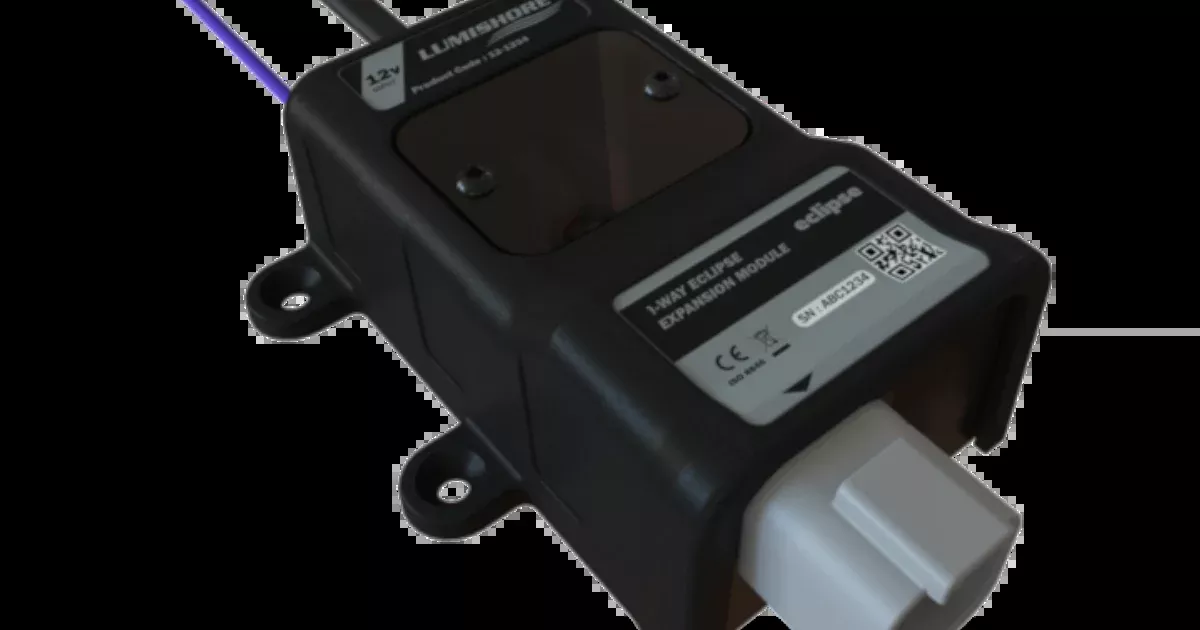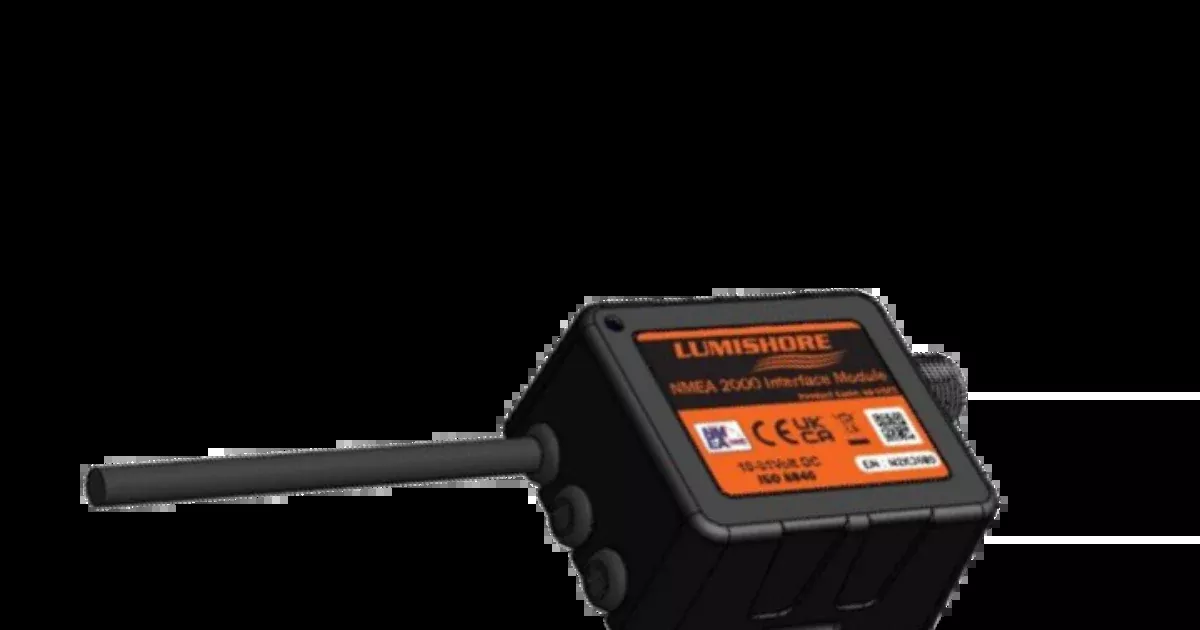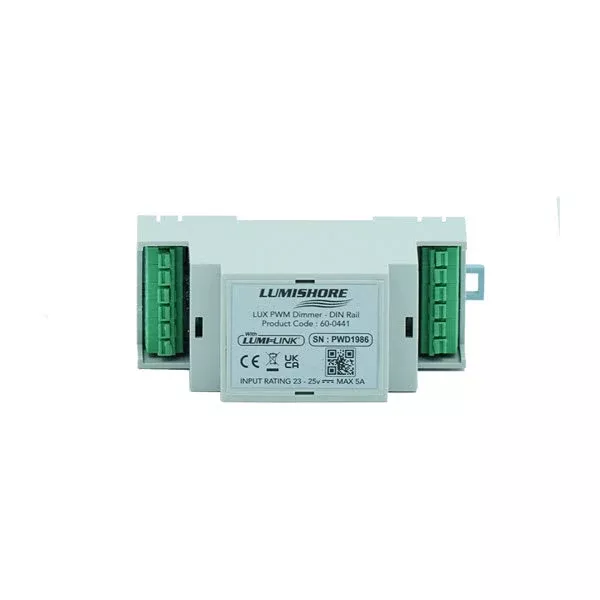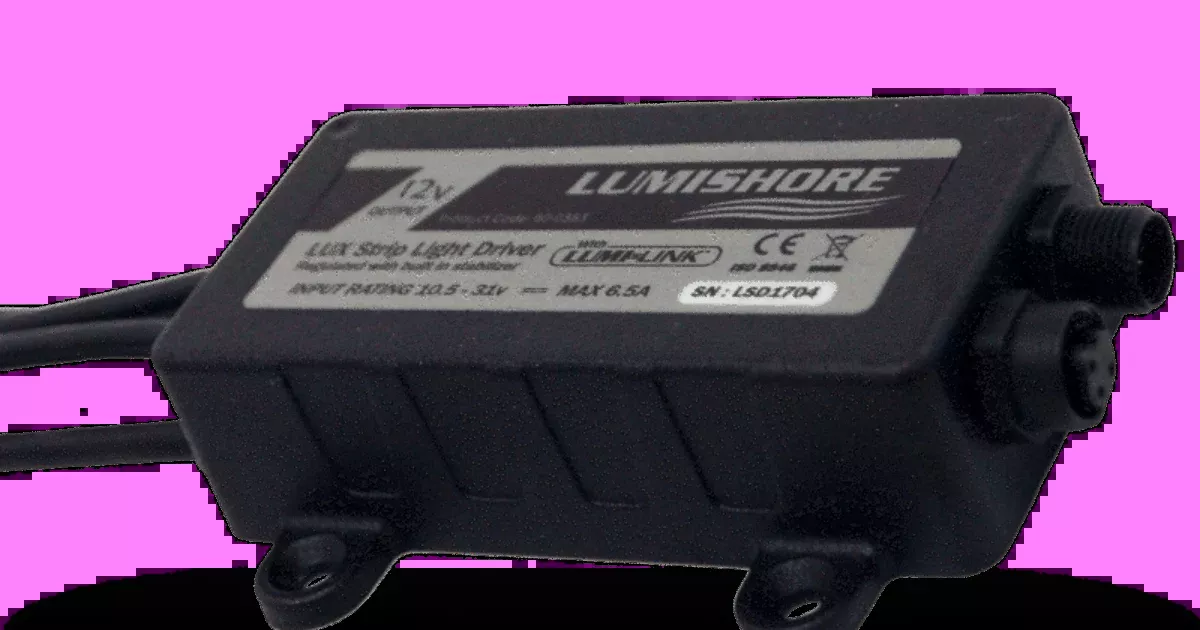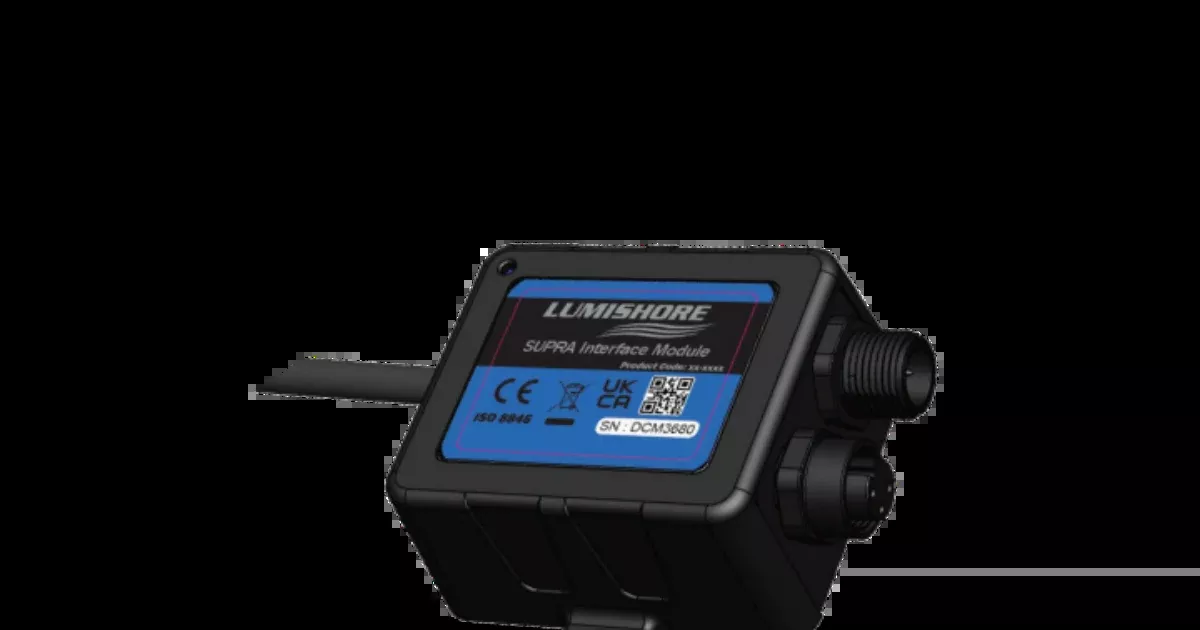
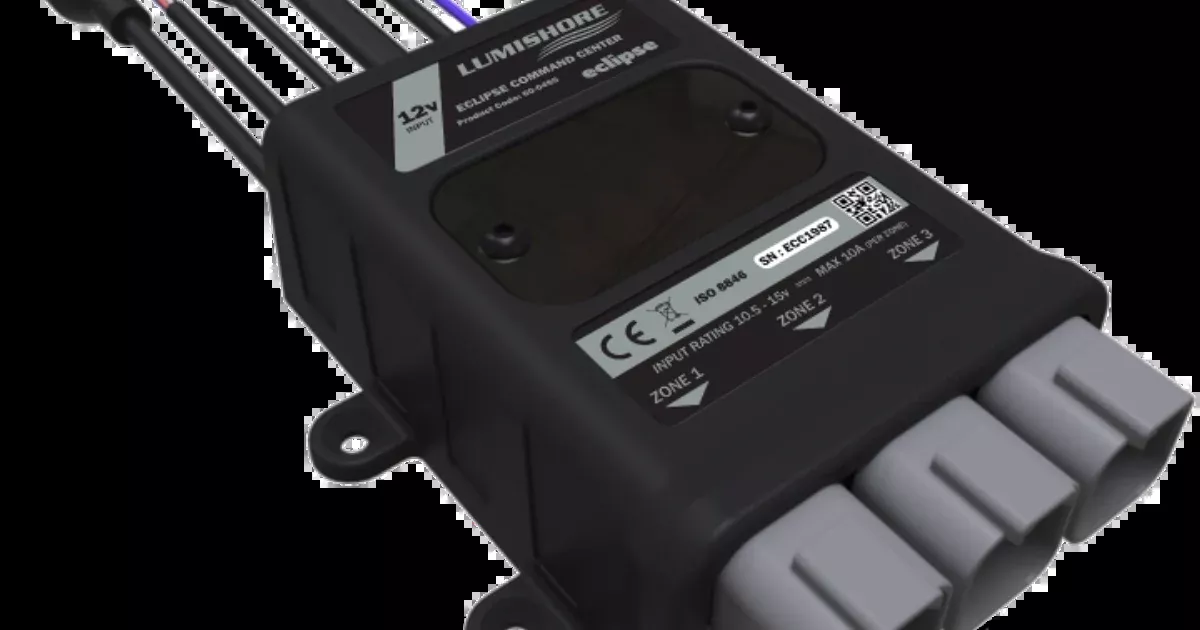
The ECLIPSE Command Center allows seamless integration and control of your ECLIPSE lights via your MFD.
This is the World’s first ultra-compact box to include built in drivers and zones for multiple types of lights. With 3 built-in configurable lighting zones that can each be set up to control your lights and expansion modules available to increase that capability to up to 6 zones.
Built-in Wi-Fi allows for direct smart device connectivity. Connect to compatible MFDs via an ethernet port. Or control your lighting zones via a simple switch.
Lumishore’s intuitive interface makes accessing and managing your lighting zones simple!
Setup and user guide
Features
- Control
- Warranty
- Eclipse
Specifications
| Specification | Value |
|---|---|
| Supply Voltage Range | 12V DC Only (10 – 15V DC) |
| Max Current Draw (12/24V DC) | 30A (3 Zones of 10A) |
| Surge Protection | Yes |
| Number of Zones | 3 (add 3 more with expansion modules) |
| Max Current Per Zone | 10A |
| Max No. Lights Per Zone | 16 (total current draw must be 10A or less) |
| Low Voltage Protection | Yes |
| Reverse Polarity Protection | Yes |
| Ingress Protection | IP67 |
| Simple Installation | Yes |
| Plug-and-Play Setup | Yes |
| Dimming | Yes |
| Color Selection | Yes |
| Sound-to-light | Yes |
| Strobe | Yes |
Downloads
FAQs
Yes. When mounting, consider future access because the unit has an accessible SD card slot for future software upgrades.
Use a Navico conversion cable PN 60-0373 as shown in the installation diagram for Simrad/B&G.
Use a standard Ethernet CAT5e cable for Furuno MFD installation.
Yes. Lumishore supplies a field-install RJ45 cover to make connections waterproof, and says it should be used on all installations.
Use a Garmin conversion cable PN 60-0372 and a Garmin network cable. The manual notes the conversion cable must be installed and to only use Garmin network cables.
Connect a momentary switch to each zone. Press to turn a zone on/off; press and hold to adjust brightness. Switch feedback can drive illuminated switches or LEDs for on/off status.
The manual lists “3 x ECLIPSE cable harness” as included.
Use a Raynet to RJ45 cable (Raymarine PN: A80151) to connect the Command Center to a Raymarine MFD.
Press and hold 10 seconds to reset Wi‑Fi settings. Press and hold 30 seconds for a full factory reset (also clears user zones and scenes).
Mount it in a dry location on a flat (not curved) surface, away from sources of heat or vibration.
No. Each zone can be set for different types, but you can’t connect different light types to the same zone.
Yes. Each zone should be fused with a suitably sized blade fuse (size depends on the lights and quantity on that zone).
Yes. Once zones are created/edited, wait 30 seconds, then power-cycle the command center to ensure setup info is saved.
Press and hold the Zone Tab for more than 3 seconds to edit or delete a zone.
Status LED 1 shows Red (solid) / Green (flash) when the system is ready but no network is detected.
Contact the SailRACE team — as certified marine experts we’re happy to help with product selection, installation and after-sales servicing, before and after your purchase.